Free tools for DIY picture framing
Picture framing tools. From photo to cut list.
Upload a photo or art print, design its mat and frame, then get the dimensions and cutting plan to build it. Preview it on your wall before you start making.
Already started? Continue a saved project
Free to use · No account · Your artwork stays on this device
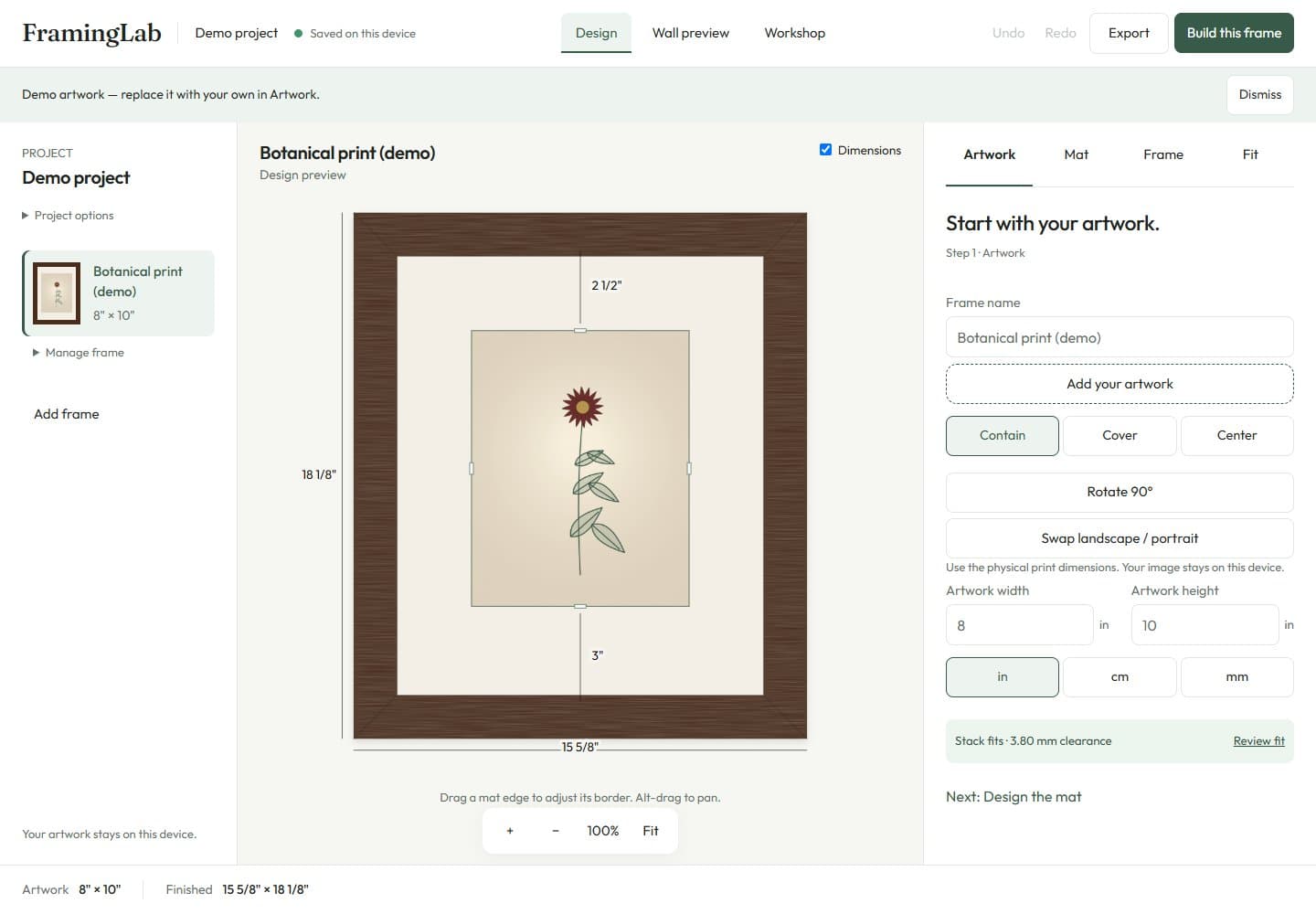
A framing plan in three steps
Add your artwork
Upload your photo, enter its print dimensions or try the labeled demo.
Design and preview
Choose mat borders and a frame, check the layer fit, then preview it on your wall.
Get your build plan
Export material sizes and rail cuts. Workshop separates owned stock from purchase requirements.
Picture framing calculators
Just need a measurement? Start here, then carry the result into Studio to continue designing.
Know which dimension to measure
All framing guides →- Picture Frame Sizes: Opening vs Outside Dimensions
Understand nominal frame size, glass size, the visible sight opening and finished outside dimensions, with an engine-calculated example.
- Mat Border Calculator for an Existing Frame
Enter your board and image sizes to calculate the mat window and four borders. Compare centered and bottom-weighted mats without changing the board size.
- Picture Frame Cut Lengths: Long Point, Short Point and Kerf
Read a four-rail cut list and distinguish moulding face width, rabbet overlap, clearance, saw kerf and purchase lengths for picture framing.
Frequently asked questions
Does FramingLab upload my artwork?
No. Images are read in the browser and stored in IndexedDB on your device. There is no account.
What is Framing Studio?
Framing Studio is the workspace inside FramingLab: the canvas, the mat, the moulding, the wall preview, and the cut optimizer.
Can I design more than one frame?
Yes. A project can hold many frames. The optimizer packs rails by moulding profile.
Do I need to pay?
No. Framing Studio and the calculators run free in the browser.